
SOLIDWORKS AI FOR DESIGN
SOLIDWORKS AI
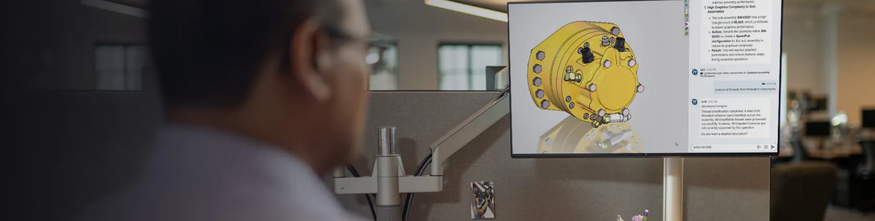
Artificial intelligence is gradually becoming part of the design process, supporting engineers in their day-to-day tasks. Directly integrated into the SOLIDWORKS CAD environment, it helps automate certain operations, provides faster access to relevant information, and supports the various stages of product development.
With SOLIDWORKS, AI is therefore becoming an integral part of the design workflow, while keeping engineers in control of their choices and decisions.
SOLIDWORKS AI Integrated into Your 3D CAD Environment
SOLIDWORKS AI brings together a range of features designed to simplify the design process and reduce repetitive work.
It helps you:
- Accelerate design and improve quality
Streamline key steps in the design process and improve overall efficiency. - Automate repetitive tasks
Reduce manual work so engineers can focus on higher-value activities. - Capture and reuse knowledge
Make relevant information and expertise easier to access, helping teams work more consistently and efficiently across projects.
SOLIDWORKS AI Features at the Heart of Design
Artificial intelligence can be applied at different stages of your processes to improve efficiency and accelerate your projects.
Download the eBook “AI CAD innovations you can’t ignore: the future of design"
SOLIDWORKS AI Companions: New Allies for Design
In addition to the SOLIDWORKS AI features integrated into CAD, SOLIDWORKS offers virtual companions to support engineers in their day-to-day work.
|
AURA Makes it easier to access the information, knowledge, and resources you need for your projects.
|
LEO Supports teams in mechanical design, modeling, and validation activities.
|
MARIE Provides assistance across various scientific fields, particularly in materials and chemistry.
|



Discover Virtual Companions >>
Would you like to discover the full potential of SOLIDWORKS AI?
CENIT KEONYS helps you make the most of SOLIDWORKS AI to streamline your design processes and improve efficiency.
Talk to our experts to explore the solutions best suited to your projects and requirements.


Virtual Companions
With Virtual Companions, Dassault Systèmes offers a new way of working in the industry. Artificial intelligence is no longer limited to providing occasional assistance; it is becoming a true collaborative partner, enabling humans and virtual companions to interact in a real-time co-creation environment.
3DEXPERIENCE DESIGN & SIMULATION
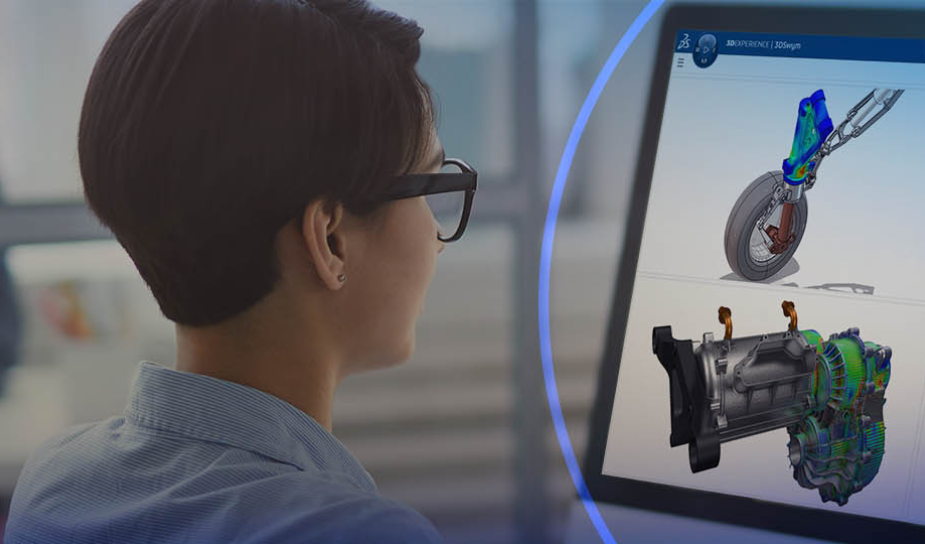
The Design & Simulation package helps industrial companies accelerate their product development by integrating 3D design, simulation, and data management into a single environment.

The virtual twin
In a rapidly changing world, where consumer expectations are evolving quickly and pressure to reduce carbon footprints is constantly growing, the question is no longer “when” to innovate, but “how.”
